Pick up where you left off
Save states preserve a moment. Pro adds quick and automatic saves, plus Google Drive synchronization.
 Pizza Boy A ProGBA emulation for Android
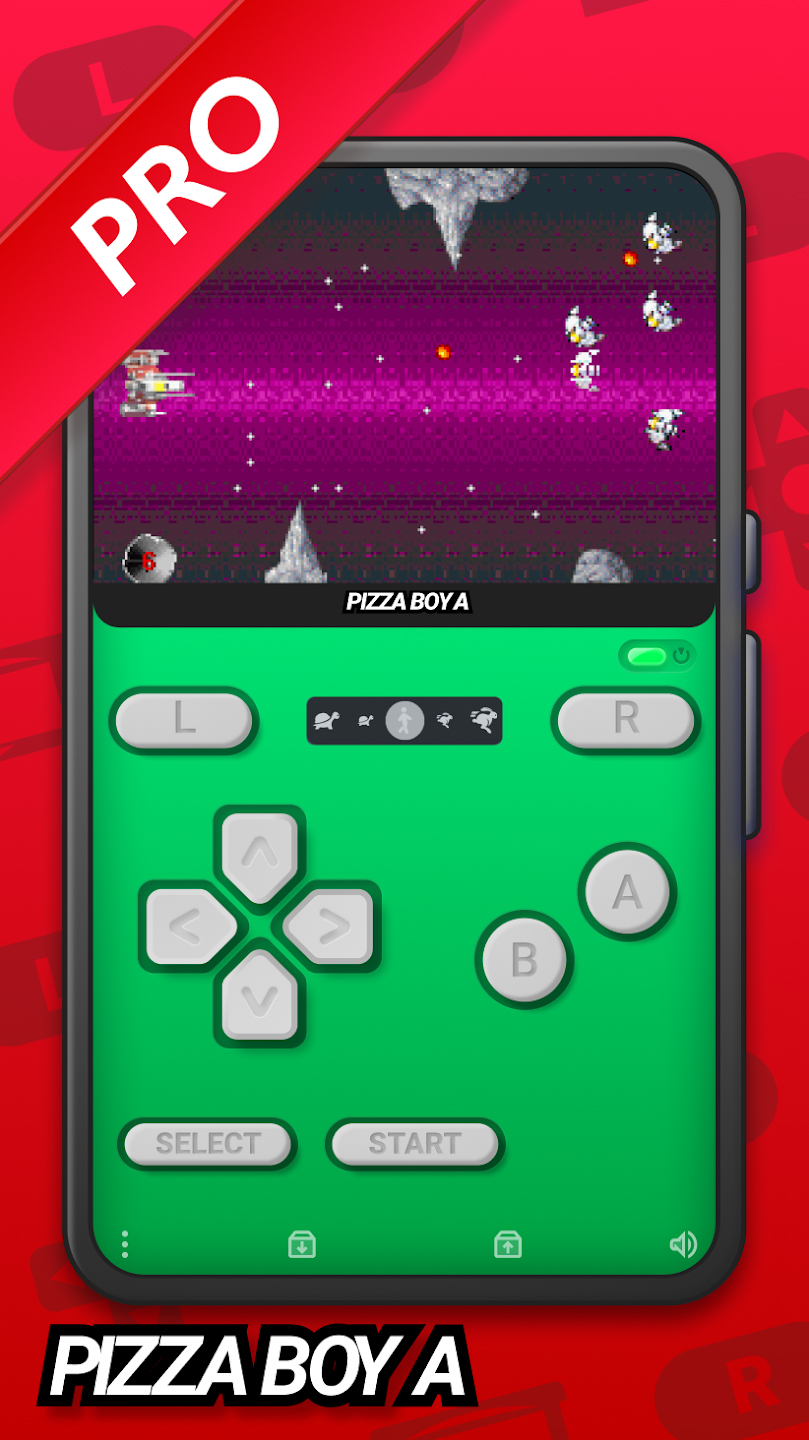
Your GBA library.
Your way to play.
GBA emulation on Android, with more ways to control, save and customize your games.
Version 2.11.6 / APK download
Bring your own games. No ROMs included.
Keep the games you know, and adjust the way you play them.
Save states preserve a moment. Pro adds quick and automatic saves, plus Google Drive synchronization.
Pro adds gameplay rewind and cheats, alongside the fast-forward and slow-motion controls shared by both editions.
Adjust touch buttons or use a physical controller. Pro adds custom skins and game-library boxart.
Pro also supports local and Wi-Fi multiplayer, custom BIOS files and cartridge sensor features.
Feature overview based on the developer's app descriptions. Availability may differ by app version.
Explore gameplay layouts and controller skins.
Basic covers the essentials. Pro adds tools for more involved play and personalization. Here are the main differences.
| Feature | Basic | Pro |
|---|---|---|
| Save states & controllers | Included | Included |
| Rewind & cheats | Not included | Included |
| Custom skins & boxart | Not included | Included |
| Drive sync & auto save | Not included | Included |
| Local & Wi-Fi multiplayer | Not included | Included |
Based on current developer listings. Pro is a separate app; back up your saves before switching editions.
The emulator is the player. Your GBA files are the library.
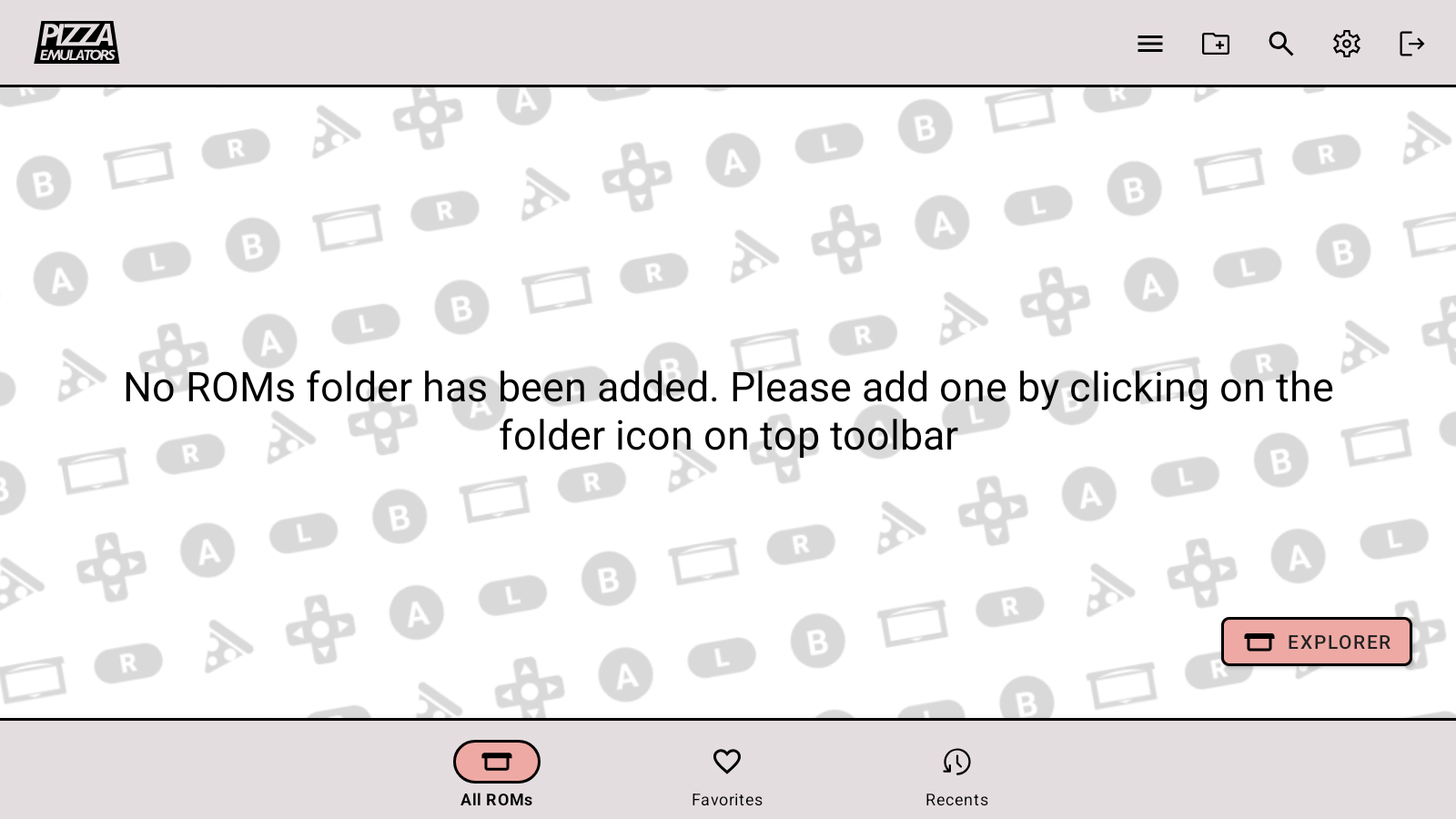
Download the Android APK and open it on your device. Android may ask you to allow installation from your browser.
Use the folder button in the library toolbar and select the folder containing your own game files.
Open a game from your library, then adjust the controls and save settings to suit your play.
No. Use your own GBA game files; the download does not include a game library.
Pizza Boy A is for Game Boy Advance. Game Boy and Game Boy Color require a different emulator.
Basic is a starting point for GBA play. Choose Pro if you need its additional features; the comparison page highlights the main differences.
They are separate apps. Back up your saves first. The developer's app listing offers support for transferring saves.
This site's download is listed as version 2.11.6. Google Play may offer a different release; its current feature descriptions do not establish which features are present in this APK.
Version 2.11.6 / APK / Games not included