Install the Android App
Use the download page to get the APK. Open it on your device and follow Android’s installation prompts.
Add Your GBA Folder
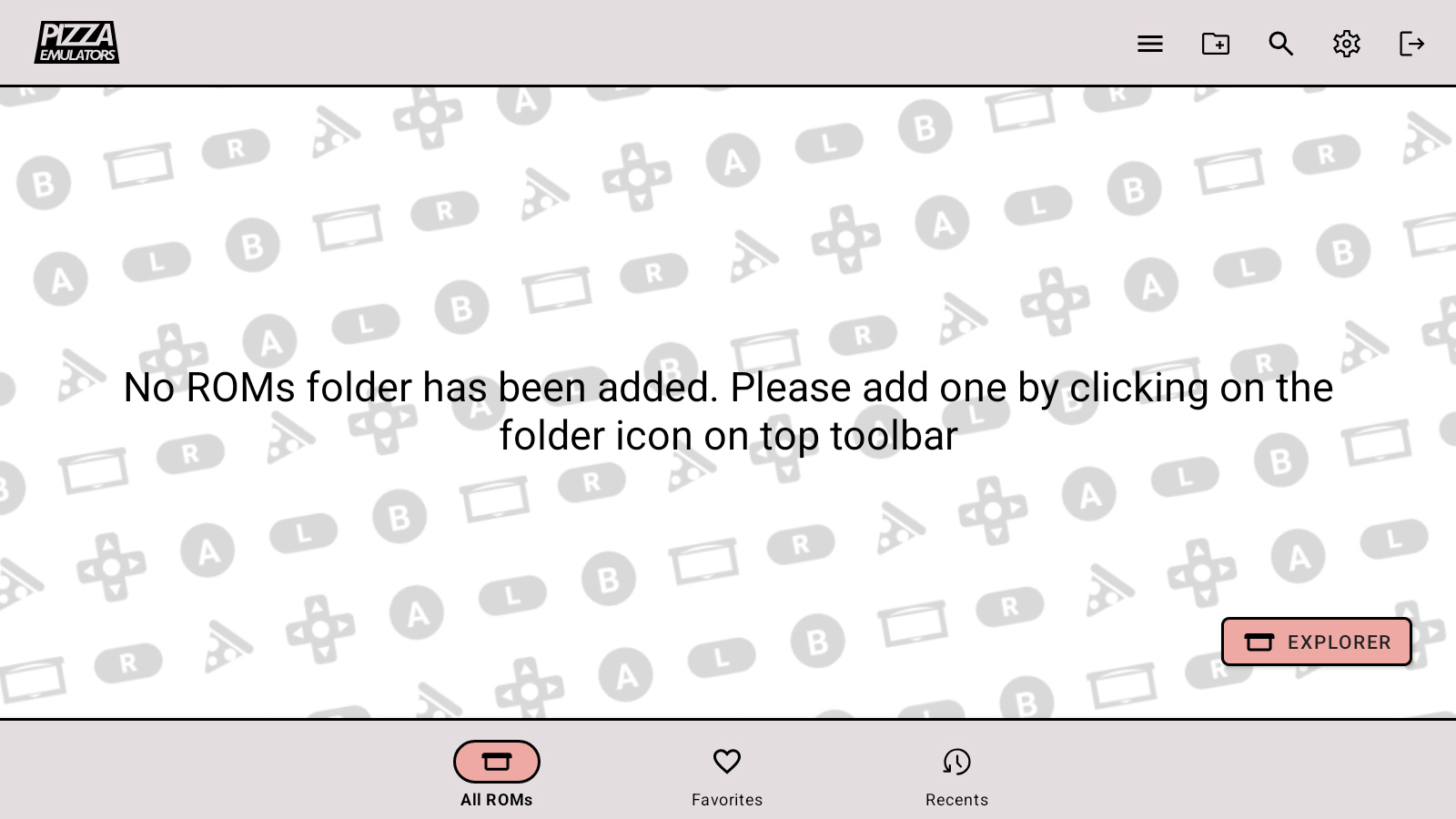
Keep your own GBA game files in a folder you can find on your device. In the app’s library, use the folder button in the top toolbar to add that folder. Select it using Android’s folder picker and grant the requested folder access.
The screenshot below shows the empty library and the add-folder button. No games appear until you add your files.
Choose a Game and Adjust Controls
Open a game from your library. Adjust the touch controls or connect a supported physical controller. Basic and Pro share controller support; Pro offers additional custom skins. Consult the edition comparison before choosing a feature that may require Pro.
Keep Your Progress
Use game saves and save states deliberately, and keep backups before updating or changing editions. If you use Pro’s Google Drive synchronization, confirm that your saves have synchronized before relying on them on another device.
If the Library Is Empty
Check that you added the folder containing your game files and granted access to that folder. Pizza Boy A supports GBA games; Game Boy and Game Boy Color files require a different emulator.
For other common questions, read the FAQ.